Sign in or register
Use email, magic link or Apple sign-in with your FamilyPlan account.

FamilyPlan web beta
Use FamilyPlan calendars, tasks, lists, meals, school, rewards, budgeting and the AI assistant from a computer as well. The web version is ready to use and is launching as a public beta.
Available now as a web beta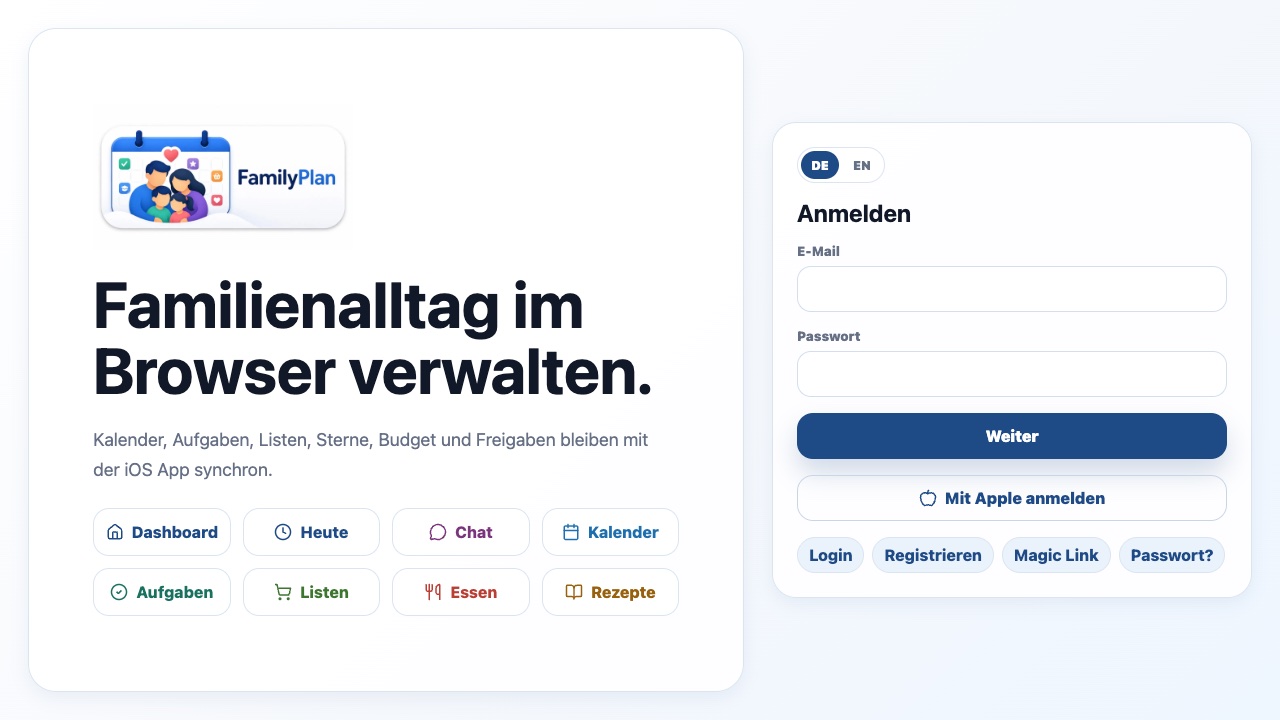
An existing FamilyPlan account is enough, and new families can register in the browser.
Use email, magic link or Apple sign-in with your FamilyPlan account.
Load an existing family or create a new one and set up profiles.
Use the core areas and share feedback about browsers or missing workflows.
The web app is not a static demo. Its core areas use the real FamilyPlan data layer.
Core functionality is available, but browsers, screen sizes and permissions vary more than on iPhone and iPad. Some native calendar or notification flows may differ, so public web beta is the accurate status today.
Yes. The web app is available at familyplan.cloud/app as a public beta.
No. You can use an existing FamilyPlan account or register directly in the web app.
Both use FamilyPlan data in Supabase, so supported changes are available across signed-in devices.